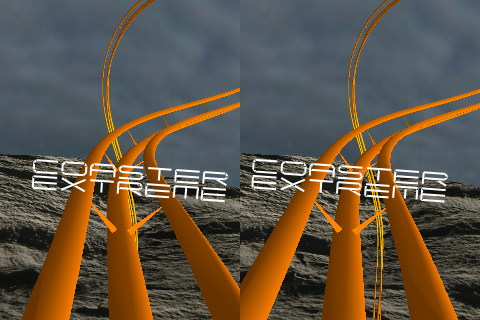
Take a thrill ride on an endless, extreme roller coaster! Rendered in full color 3D, Coaster Extreme offers diverse, dramatic landscapes, wild track colors, and user controls. Viewable as a stereographic image (glasses not needed), the high resolution visuals are stunning, and options including Afterburners and left/right panning boost the experience. Buckle Up!
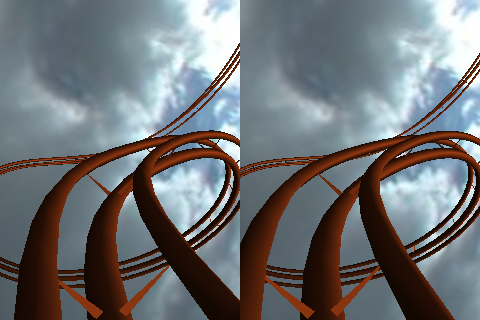
This stereographic animation is simply viewed by relaxing your eyes and focusing deep within the display, which will come to life in full 3D, just like you were actually there. Be mesmerized by a smooth ride on the roller coaster which appears to go deep into your display.
No glasses are required, the display happens to be a pleasing size to view these effects and you will be amazed. When viewed correctly, you will see three images, with the center one in stereo, then just watch and enjoy.
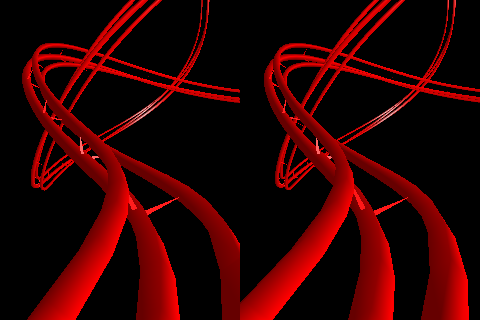
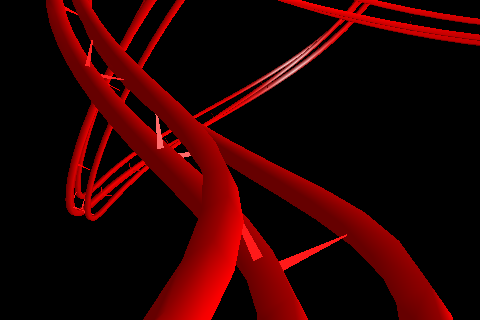
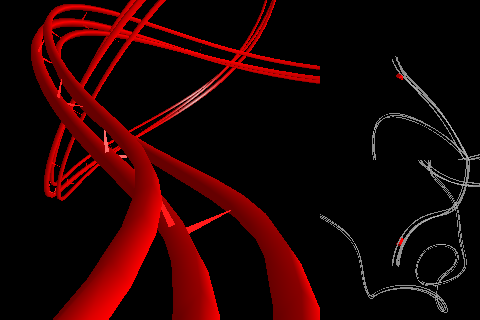
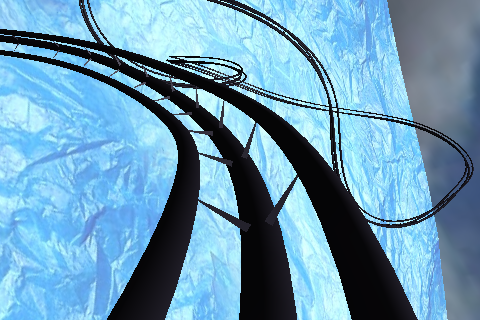
A normal 3D view (below) and a viewport view (below, below) with top and side views are also available, just tap on the Info button to select the desired mode.
Warning! The intense immersive coaster ride feels so real you may feel dizzy or nauseous. Just so you know what you're in for.
A video has been created to explore Coaster Extreme, please click play to view!
Highlighted Features:
Dynamically created endless roller coaster, the track never ends.
High performance rendering even for original iPod Touches.
Realistic rendered scenery with dramatic textures and skys.
Dramatic lighting effects for track and landscapes.
Immersive speed sensitive sounds sampled from an actual roller coaster.
Physics based velocity, speeds up going down, slows down going up.
Multiple displays: Fullscreen, Stereographic, and unique Multi Viewport.
No glasses required full color 3D stereographic view that actually works.
Custom settings, choose sky, landscape, track colors, velocity, and volume.
Pan left and right while riding by simply swiping left and right.
Engage after burners to accelerate by simply pressing on lower right corner.
Controls fade out for a clean unobstructed display.
Hints from testers for viewing the 3D stereographic effects:
Try putting the screen right next to your nose, and cross your eyes a little until you see one blurry display, then while retaining focus on that image, slowly move the display away until you reach about 12 inches. The optimal distance is dependent on your eyes and ability to focus. When correct, the center display should be clear.
Another method is to hold the display about 12 inches from your eyes, and hold your hand perpendicular to your display about half way between your eyes and the display. Move your hand closer or farther from the display until with each eye closed you only see one of the images. Then when both eyes are open, you should find it easier to focus within the display. Once you have focused on the display, you should be able to remove your hand.
In general, you need to relax your eyes and focus within the display in order to see the effects.
Last, some of the population has difficulty focusing on Stereographic targets, however most testers have been able to enjoy stereographic effects with practice.